How to Test an API Without a Frontend

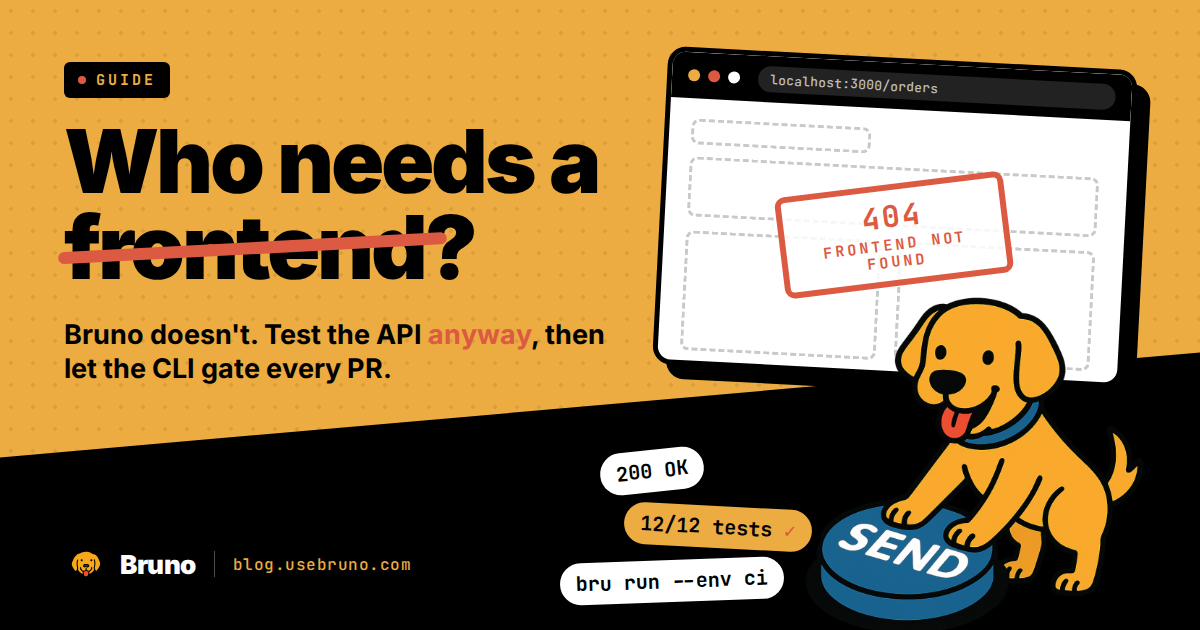
Your endpoints are up. The UI is weeks out, blocked on design, or never coming at all because this service only ever talks to other services. So how do you know the API actually works?
You send requests to it directly, and you save those requests somewhere they can run again. Every option below does the first part. The differences show up in the second part, which is the part that decides whether you are still testing this API in three months or clicking through the same steps by hand for the fourth time this week.
This guide covers the four common approaches, then walks through building a real suite from a single request to a check that blocks a pull request.
Why waiting for a UI is the expensive option
Teams postpone API testing until there is something to click. It feels efficient. It is not, for three reasons.
Bugs get cheaper the earlier you catch them. A wrong status code found the day it ships is a five-minute fix. The same bug found during frontend integration is a bug report, a triage cycle, a context switch, and a conversation about whose side it belongs to.
A frontend is a bad test harness. It exercises the happy path and usually not much else. Your UI probably never sends a malformed payload, requests page 900 of a 12-page result set, or calls an endpoint with an expired token on purpose. Those are exactly the cases that break in production.
Manual verification leaves no artifact. You confirmed the endpoint worked on Tuesday. There is no record of what you sent, what came back, or what "worked" meant. Next Tuesday you do it again. Then, again. And, again...
Testing without a frontend is not a workaround for a missing UI. It is the faster loop even after the UI arrives.
Four ways to exercise an API without a UI
| Approach | Best for | Repeatable | Editable without code | Language-agnostic | CI-ready |
|---|---|---|---|---|---|
curl / HTTPie |
One-off pokes, sharing a snippet in chat | Only if you save the command | Shell one-liners, hard to follow | Yes | Possible, fragile |
| GUI API client | Exploring and debugging any API, familiar or not | Yes, if requests are saved | Yes | Yes | Depends on the client |
| Code test framework | Backend teams who want tests in the service language | Yes | No, one language and test stack | No | Yes |
| Collection plus CLI runnerRecommended | Suites the whole team can read, edit, and run everywhere | Yes | Yes, plain files with a GUI on top | Yes | Yes |
Living in Git is table stakes for anything beyond curl: code frameworks and file-based collections both sit in the repo. The columns that separate them are who can read and change the tests, and whether the suite survives a rewrite into a different language.
curl and HTTPie are the right tool for the next thirty seconds. It's hard to beat pasting a curl command into a terminal to see whether an endpoint is alive. The problem is what happens after: the command lives in your shell history, your token is inline, and nobody else on the team benefits.
A GUI client gives you request history, syntax highlighting, saved auth, and a readable view of the response. It is the fastest way to poke at an API, including one you wrote yourself: you still need to see what a real response looks like before you can decide what to assert on. The question to ask of any GUI client is where it stores your work. If saved requests live in a vendor cloud, your test suite is now an account-dependent asset that your CI runner cannot read.
Code-based frameworks like supertest, pytest with requests, or RestAssured put tests in the same language as the service. That is a real advantage for backend teams and a real barrier for anyone else. QA engineers, support engineers, and technical writers can all read an HTTP request. Fewer of them want to open a Java test class to find out what the API expects.
A collection plus a CLI runner is the middle path: requests stored as plain files in your repository, editable in a GUI when you want one, runnable headlessly with a single command. That is the approach the rest of this guide builds out, using Bruno, which stores collections as YAML files next to your code and ships a CLI that runs them anywhere.
Walkthrough: from one request to an automated suite
The example is a small orders service with four endpoints: POST /auth/login, GET /orders, POST /orders, and GET /orders/:id. Substitute your own.
1Send the first request
Open Bruno, create a collection, and add a request pointed at your local server. Send it. Look at the status, the body, and the response time. This is the same thing you would do with curl, with the difference that the request is now saved instead of scrolling out of your terminal. If you have never used Bruno before, the official getting-started guide covers install and first request in a few minutes.
2Put the collection where the code lives
Create the collection inside your service repository rather than in a scratch directory. The file tree ends up looking like this:
api-tests/
├── opencollection.yml
├── environments/
│   ├── local.yml
│   └── ci.yml
├── auth/
│   └── login.yml
├── orders/
│   ├── list-orders.yml
│   ├── create-order.yml
│   └── get-order.yml
└── errors/
    ├── unauthenticated.yml
    ├── forbidden.yml
    └── invalid-payload.yml
Every request is a YAML file. Here is orders/list-orders.yml:
info:
  name: List Orders
  type: http
  seq: 1
  tags:
    - smoke

http:
  method: GET
  url: "/orders"
  params:
    - name: limit
      value: "25"
      type: query
  headers:
    - name: Accept
      value: application/json
  auth:
    type: bearer
    token: ""

settings:
  encodeUrl: true
  timeout: 0
  followRedirects: true
  maxRedirects: 5

docs: |-
  Lists orders for the authenticated user.

  Required variables:
  - baseUrl
  - token (set by the Login request)
Two things follow from this being a file. Changes to your API show up in code review as a diff next to the handler that caused them. And a reviewer who has never opened an API client can still read what the request does.
3Assert instead of eyeballing
A saved request tells you what to send. Assertions tell you what should come back. Start with the cheap ones:
| Expression | Value |
|---|---|
res.status |
eq 200 |
res.body.data |
isArray |
Then add a test script for anything that needs logic:
test("returns a page of orders", function () {
  const body = res.getBody();
  expect(res.getStatus()).to.equal(200);
  expect(body.data).to.be.an("array");
  expect(body).to.have.property("nextCursor");
});

test("every order has the fields the client needs", function () {
  const [order] = res.getBody().data;
  expect(order).to.have.property("id");
  expect(order).to.have.property("status");
  expect(order.total).to.be.a("number");
});
Assert on shape and type, not on exact values. expect(order.total).to.be.a("number") survives a database reseed. expect(order.total).to.equal(4299) does not. For deeper patterns on validating response bodies, see Testing JSON Properties in Bruno.
4Chain requests to replace the login screen
This is the step that usually blocks people. Without a UI there is nothing to log into, so every protected endpoint needs a token from somewhere. Get it from the API itself.
In auth/login.yml, capture the token after the response arrives:
const body = res.getBody();
bru.setVar("token", body.accessToken);
| Expression | Value |
|---|---|
res.status |
eq 200 |
Every later request references , as list-orders.yml already does. Run the collection and login happens first, sets the variable, and the rest of the suite inherits it.
The same pattern chains resources: create an order, save its ID with bru.setVar("orderId", body.id), then fetch it back to confirm the write actually persisted. That round trip is the single most useful test you can write for a new endpoint, and it is one a frontend would only exercise by accident.
5Environments so one suite runs everywhere
Hardcoded hosts are what force people to keep two copies of a test suite. Put the moving parts in environments instead. local points baseUrl at http://localhost:3000, ci points it at your ephemeral test stack, and the requests never change.
Credentials do not belong in a committed environment file. Keep the placeholder in the file and supply the value from your secret store at run time. If you want the full picture of how Bruno resolves values across runtime, request, folder, collection, and environment scope, How to Manage Variables in Bruno covers the precedence rules.
6Run it headless
Everything above works without opening the app:
# whole collection against local
bru run --env local

# one folder, including subfolders
bru run orders -r --env local

# just the fast checks
bru run --env ci --tags smoke --exclude-tags skip-ci

# with reports
bru run --env ci --reporter-junit results.xml --reporter-html report.html
That is the moment the suite stops being your personal tool. Anyone on the team can clone the repo and run the same checks, and so can a machine. More CLI patterns live in Bruno CLI: Run and Test Your Collections from the Command Line.
7Gate the pull request
Wire the same command into CI so a broken endpoint fails the build instead of surfacing during frontend integration:
name: API Tests

on:
  pull_request:
    branches: [main]

permissions:
  contents: read

jobs:
  bruno:
    runs-on: ubuntu-latest
    steps:
      - uses: actions/checkout@v4

      - name: Run API tests
        id: bruno
        uses: usebruno/bruno-cli-action@v1.0.0
        with:
          working-directory: api-tests
          command: 'run --env ci --tags smoke --reporter-junit results.xml'
        env:
          API_PASSWORD: $

      - name: Upload report
        if: always()
        uses: actions/upload-artifact@v4
        with:
          name: bruno-results
          path: api-tests/results.xml
Forward secrets as environment variables rather than interpolating them into the command string, where they can surface in process listings and verbose logs. Official Bruno Docker Image and GitHub Action goes deeper on reporting, matrix runs, and PR comments.
What the frontend was quietly testing for you
Once there is no UI in the loop, several categories of bug lose their only line of defense. Cover them explicitly.
Token expiry and refresh. The UI refreshes tokens in the background and you never think about it. Add a request that uses a deliberately stale token and assert on the 401, then one that exercises your refresh endpoint and confirms the new token works.
Pagination boundaries. Assert that the first page returns a cursor, the last page does not, and an out-of-range page returns an empty array rather than an error or a 500.
Error responses. A 401 means the caller is unauthenticated, a 403 means they are authenticated but not allowed, and a 422 means the payload is malformed. Clients branch on these. Write a request per case and assert both the status and the error body shape, because clients parse that too.
Uploads. Multipart requests are where frontend and backend assumptions diverge most often. Test the size limit, the rejected content type, and the empty file.
Rate limits. If you return Retry-After or X-RateLimit-Remaining, assert that the headers are actually present. Consumers build retry logic on them.
Mock the server, or test it?
Mock servers come up constantly in this conversation, and they solve a different problem. A mock unblocks the frontend team by giving them a fake endpoint to build against before yours is ready. It tells you nothing about whether your real service works, because the mock is a description of your intentions.
Use both, pointed in opposite directions. Mock your API for the client team. Run your real requests against the real service. When the two disagree, you have found a contract break before it reached anyone's browser.
Pre-frontend checklist
Before you hand an API to a client team, confirm you have:
- ✓A saved request for every endpoint, committed to the repository
- ✓Status and shape assertions on each one, not just the happy path
- ✓One authentication chain that produces a token from the API itself
- ✓At least one create-then-read round trip per resource
- ✓401, 403, and 422 cases covered with asserted error bodies
- ✓Environments for local and CI with no committed secrets
- ✓A single command that runs the whole thing headlessly
- ✓That command running in CI on every pull request
FAQ
Yes. Saved requests with declarative assertions cover most of what a test suite needs, and no scripting is required until you start chaining values between requests. Even then, chaining is a few lines of JavaScript in an after-response script.
Send a request from a GUI client or curl to confirm the endpoint responds, then save it. The saving is the part that pays off. A request you can rerun tomorrow is worth more than one you retype.
No. Any client that can send an HTTP request works for exploration. What matters for a suite is whether the requests are stored in files you control and whether a CLI can run them in CI without an account. Bruno stores collections as YAML in your repository and runs them with bru run.
Use a CLI runner. Bruno CLI executes a collection headlessly and emits JUnit, JSON, or HTML reports for your CI system to consume. No browser or display server is involved.
In the same repository as the service, in a top-level folder like api-tests/. Requests then version alongside the code that serves them, and a breaking change shows up in the same diff as the handler that caused it.
The takeaway
An API with no frontend is not untestable. It is an API you get to test properly, without a UI in the way filtering out every case that matters. Start with one saved request, add assertions, chain the auth, then hand the whole thing to a CLI. The suite you build in an afternoon keeps working long after the frontend ships.
Turn your first request into a suite.
Download BrunoAlready have collections elsewhere? The Postman to Bruno migration guide walks through bringing them over.