Better AI Assistance for Bruno API Collections

Many users migrate to Bruno from other tools like Postman due to it's filesystem-based approach. This allows for native Git versioning of API collections, and also an IDE-native approach for interacting with collections.
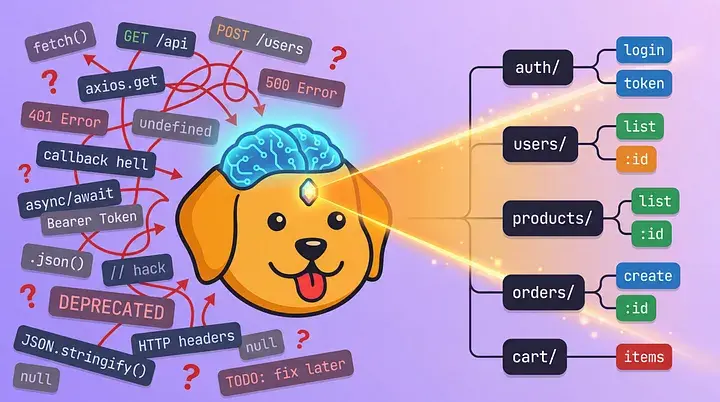
However, AI coding assistants like Cursor, GitHub Copilot, and ChatGPT don't understand Bruno's format out of the box. When you ask them to create API requests, they may suggest different syntaxes or not follow the collection/request schema perfectly.
We built a collection of prompt files that teach AI assistants about Bruno. After setup, your AI assistant will suggest proper .bru syntax, environment variables, and testing patterns.
You can find a public GitHub repo with these prompts and full instructions here: https://github.com/bruno-collections/ai-assistant-prompts
The Problem: AI Doesn’t Speak Bruno
Bruno uses a specific format and syntax for API collections. Without context, AI assistants make unhelpful suggestions:
What you want:
meta {
  name: Get User
  type: http
}

get {
  url: /users/
  auth: bearer
}

auth:bearer {
  token:
}
What AI suggests without context:
{
  "name": "Get User",
  "method": "GET",
  "url": "https://api.example.com/users/123"
}
The Solution: Teach AI How Bruno Works
The prompt files contain Bruno-specific context that AI assistants read automatically. They learn about:
- Bruno's
.brufile syntax and structure - Environment variable patterns with
- Authentication blocks like
auth:bearer - Pre-request and post-response scripting
- Test assertions using Chai.js
- Bruno's offline-first, Git-collaborative philosophy
Supported AI Assistants
| AI Assistant | Config File | Auto-Discovery |
|---|---|---|
| Cursor | .cursorrules |
✅ Yes |
| GitHub Copilot | .github/copilot-instructions.md |
✅ Yes |
| VS Code AI extensions | .vscode/ai-instructions.md |
✅ Most |
| Continue | .continue/config.json |
✅ Yes |
| Codeium | .codeium/context.md |
✅ Yes |
| ChatGPT / Claude / Gemini | bruno-ai-context.md |
❌ Manual |
Setup
Option 1: One-Command Install (Recommended)
cd your-bruno-project
curl -fsSL https://raw.githubusercontent.com/bruno-collections/bruno-ai-assistant-prompts/main/install.sh | bash
Note: Restart your editor after installation.
Option 2: Manual Install
Download the appropriate prompt file for your AI assistant:
- Cursor: Copy
.cursorrulesto your project root - GitHub Copilot: Add
copilot-instructions.mdto.github/folder - VS Code Extensions: Add
ai-instructions.mdto.vscode/folder - General AI (ChatGPT, Claude): Copy and paste the context file
Advanced Team Setup
Git Submodule
Useful if you want centralized updates, explicit prompt versioning, or cleaner monorepo workflows.
git submodule add https://github.com/bruno-collections/bruno-ai-assistant-prompts.git .bruno-ai
ln -s .bruno-ai/prompts/cursor/.cursorrules .cursorrules
Results: What AI Can Do After Setup
After setup, AI assistants understand Bruno patterns:
Creating requests:
You: "Create a POST request for user registration"

AI:
meta {
  name: User Registration
  type: http
}

post {
  url: /auth/register
  body: json
}

body:json {
  {
    "email": "",
    "password": ""
  }
}

tests {
  test("Registration successful", function() {
    expect(res.status).to.equal(201);
  });
}
Environment setup:
You: "Create a development environment"

AI:
vars {
  baseUrl: https://api.dev.example.com
  apiVersion: v1
}

vars:secret [
  apiToken,
  clientSecret
]
Installation Options
All assistants:
./install.sh --allSpecific assistant:
./install.sh --cursor
./install.sh --copilot
./install.sh --vscode
Windows:
.\install.ps1 -AllTeam Usage
Commit the prompt files to your repository so the entire team gets consistent AI assistance:
git add .cursorrules .github/copilot-instructions.md
git commit -m "Add AI assistant prompts for Bruno"
What's Included
- Prompt files for major AI assistants
- Complete example Bruno collections (REST, GraphQL, microservices)
- Installation scripts for Unix and Windows
- Documentation for each AI assistant
Repository
The prompt files and installation scripts are available at: https://github.com/bruno-collections/ai-assistant-prompts
The repository includes examples, documentation, and automated setup for all major AI coding assistants.