Bringing Agent Skills to Bruno Workflows

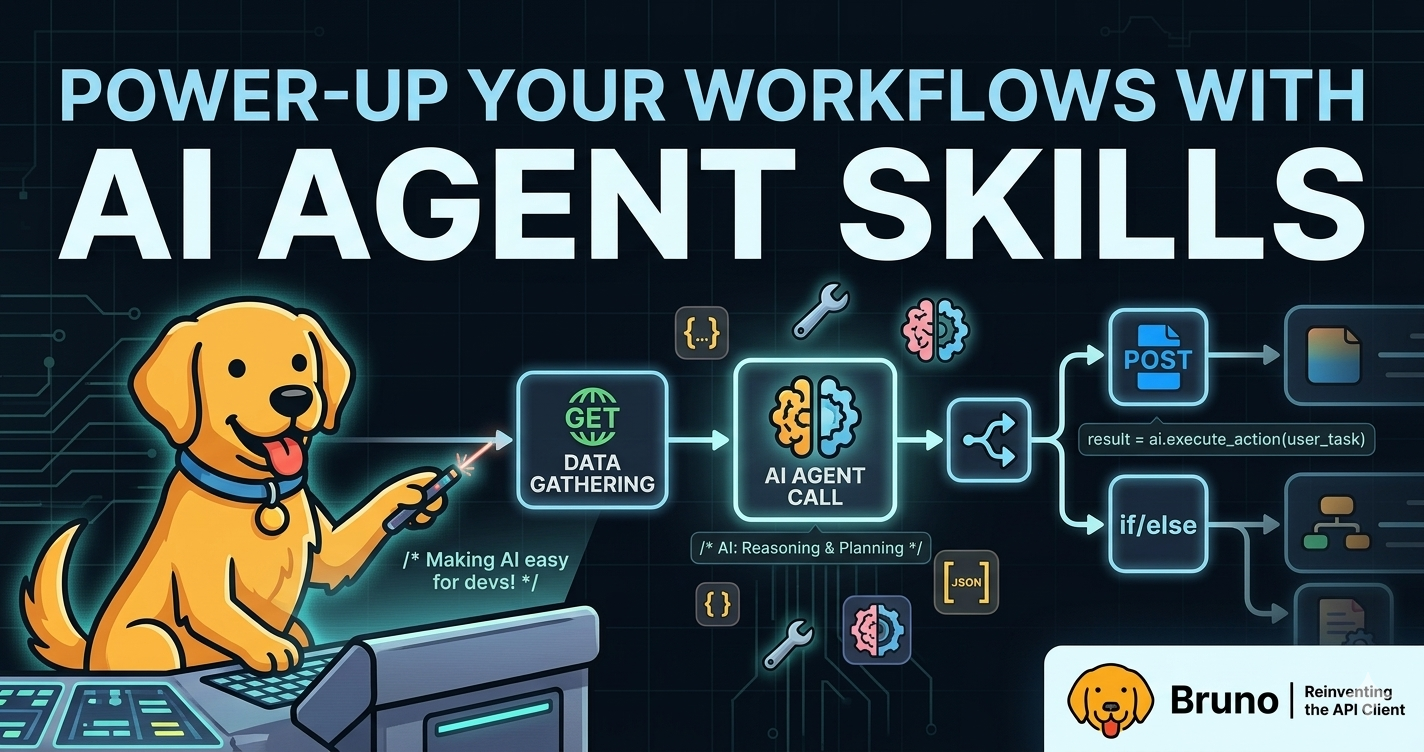
Bruno is built around a simple idea: API collections should be easy to read, easy to version, and easy to collaborate on. That is why Bruno stores collections as files, works well with Git, and, ultimately, gives developers control over their API workflows.
Agent Skills extend that same idea to AI-assisted development. Instead of fumbling around with the same long prompt every time, a skill gives the agent a reusable playbook: what to do, what files to reference, which conventions to follow, and what output to produce.
OpenAI describes skills as reusable workflows that can bundle instructions, examples, and code, and ChatGPT can automatically use one or more skills when they are helpful. (OpenAI Help Center)
Claude Code describes skills similarly: a skill is a SKILL.md file with instructions that Claude can load automatically when relevant or invoke directly with /skill-name. (Claude API Docs)
In practice, a skill is a small folder that might look like this:
bruno-test-writer/
├── SKILL.md
├── references/
│   └── testing-patterns.md
├── scripts/
│   └── generate_tests.py
└── assets/
    └── examples/
The SKILL.md file is the entry point. It contains the skill metadata and the instructions the agent should follow. Supporting files can include reference docs, examples, templates, or helper scripts. This keeps prompts shorter and makes the agent more consistent across repeated workflows.
For Bruno users, that opens up a useful pattern: package common API development workflows as reusable skills.
Why Agent Skills make sense for Bruno
Bruno already fits naturally into agentic workflows. Collections live as files. They can be reviewed in pull requests. They can be generated, edited, tested, and run from the command line or from an AI Agent with access to the files.
Bruno’s AI-agent examples already highlight three common workflows:
- generating Bruno collections from backend source code
- writing pre-request scripts, test scripts, and assertions
- automating CI/CD pipelines, environment setup, and collection organization (Bruno Docs)
Those are exactly the workflows we used for the first Bruno Skills MVP.
The goal of this MVP is not to replace Bruno’s UI. It is to help AI agents create better Bruno artifacts faster: cleaner collections, stronger tests, and CI-ready automation.
What is included in the Bruno Skills Sample Pack
You can find all of the skills, packaged ZIPs, and helper scripts in the bruno-agent-skills repository on GitHub.
The sample pack includes three skills:
bruno-skills/
├── bruno-collection-generator/
├── bruno-test-writer/
└── bruno-ci-setup/
Each skill includes:
SKILL.md             # main skill instructions and activation metadata
agents/openai.yaml   # ChatGPT-specific UI metadata
references/          # Bruno-specific reference material
scripts/             # helper scripts for repeatable tasks
assets/              # examples or starter inputs, where useful
The packages are designed around the Agent Skills pattern, making them usable with any AI Agent that supports the standard, while staying Bruno-specific.
Skill 1: Bruno Collection Generator
Skill name: bruno-collection-generator
This skill helps an agent create Bruno collections from API source material such as backend routes, endpoint lists, OpenAPI snippets, pasted docs, or cURL commands.
Use it when you want to ask something like:
- Create a Bruno collection for this Express API.
- Generate Bruno requests from these endpoint definitions.
- Turn this API documentation into a Bruno collection with request-level docs.
The skill guides the agent through:
- identifying endpoints, methods, paths, headers, auth, params, and bodies
- grouping requests into useful folders
- creating readable request names
- using variables instead of hardcoded hostnames or secrets
- adding request-level documentation
- choosing between
.bruand OpenCollection YAML output
The skill leans toward OpenCollection YAML since Bruno 3.0.0 made YAML the default (upgrading from .bru), following the OpenCollection specification. OpenCollection is an open specification for executable API collections, with YAML syntax. This provides readable, tool-friendly files that work well with IDEs, linters, Git diffs, scripting, and CI/CD pipelines. (Bruno Docs)
The skill also includes a helper script:
scripts/scaffold_opencollection.pyThat script can take structured endpoint input and generate a starter OpenCollection YAML scaffold.
Skill 2: Bruno Test Writer
Skill name: bruno-test-writer
This skill helps an agent write better Bruno tests, assertions, pre-request scripts, post-response scripts, request chaining, and edge-case checks.
Use it when you want to ask something like:
- Add tests to this Bruno request.
- Write assertions for this response body.
- Add request chaining so the login request stores a token for later requests.
- Review these Bruno tests and make them less brittle.
The skill guides the agent to inspect the request and generate tests for:
- expected status codes
- response body shape
- required fields
- arrays and nested objects
- headers
- error responses
- response time, when relevant
- request chaining between dependent requests
It also pushes the agent away from common mistakes and security mishaps, such as hardcoding secrets, writing brittle assertions against volatile IDs or timestamps, or leaking tokens in logs.
The skill includes Bruno testing references and a helper script:
scripts/generate_tests.pyThat script can inspect a sample JSON response and generate starter test assertions, giving the AI Agent the ability to hone in on exact assertions to make.
Skill 3: Bruno CI Setup
Skill name: bruno-ci-setup
This skill helps an agent create CI workflows for running Bruno collections with Bruno CLI.
Use it when you want to ask something like:
- Create a GitHub Actions workflow that runs my Bruno collection on every pull request.
- Set up Bruno CLI to run this collection in CI and publish JUnit reports.
- Generate a workflow for running only smoke tests with the staging environment.
The skill helps the agent gather the right inputs:
- collection path
- environment name
- tags
- reporter formats
- secrets
- working directory
- whether Developer Mode is needed
- where to store test artifacts
This maps directly to Bruno CLI’s role in automation. Bruno CLI can run API requests and collections from the command line, test APIs across environments, generate reports, and integrate with CI/CD workflows. The Bruno CLI docs also note that starting with v3.0.0, the default runtime mode changed to Safe Mode, and Developer Mode features, like using external NPM libraries, require the --sandbox=developer flag. (Bruno Docs)
The skill includes a helper script:
scripts/render_github_action.pyThat script can generate a starter GitHub Actions workflow for Bruno CLI.
How to use the Bruno Skills Sample Pack
Clone or download the pack from github.com/bruno-collections/bruno-agent-skills to get started.
There are two main ways to use the skills: install the packaged ZIPs into a skill-supporting agent, or copy the skill folders into a repo.
Option 1: Use the skills in ChatGPT
The MVP includes one skill.zip per skill:
packages/
├── bruno-collection-generator/skill.zip
├── bruno-test-writer/skill.zip
└── bruno-ci-setup/skill.zip
To use them in ChatGPT:
- Open the Skills page from ChatGPT.
- Choose New skill.
- Select Upload from your computer.
- Upload one of the
skill.zipfiles. - Repeat for the other skills.
OpenAI’s docs say skills can be created in conversation, built in the Skills editor, uploaded from a computer, shared with a workspace, and automatically used by ChatGPT when relevant. (OpenAI Help Center)
Once installed, ask ChatGPT for Bruno-specific workflows:
- Create a Bruno collection from this OpenAPI snippet.
- Add useful Bruno tests to this request.
- Generate a GitHub Actions workflow that runs this Bruno collection in CI.
Option 2: Use the skills in Claude Code
For Claude Code, copy the skill folders into a skills directory.
For personal skills available across projects:
mkdir -p ~/.claude/skills
cp -R bruno-collection-generator ~/.claude/skills/
cp -R bruno-test-writer ~/.claude/skills/
cp -R bruno-ci-setup ~/.claude/skills/
For project-specific skills inside a repository:
mkdir -p .claude/skills
cp -R bruno-collection-generator .claude/skills/
cp -R bruno-test-writer .claude/skills/
cp -R bruno-ci-setup .claude/skills/
Claude Code supports personal skills at ~/.claude/skills/<skill-name>/SKILL.md and project skills at .claude/skills/<skill-name>/SKILL.md. Claude Code can also load skills automatically when relevant, or users can invoke a skill directly with /skill-name. (Claude API Docs)
Example direct invocations:
/bruno-collection-generator Create a Bruno collection from the routes in src/routes.
/bruno-test-writer Add assertions to the requests in bruno-collection/users.
/bruno-ci-setup Create a GitHub Actions workflow for this collection.
Option 3: Commit the skills with an API project
For teams, the most useful setup may be committing the skills into the repo:
my-api/
├── .claude/
│   └── skills/
│       ├── bruno-collection-generator/
│       ├── bruno-test-writer/
│       └── bruno-ci-setup/
├── src/
├── bruno-collection/
└── package.json
This gives every contributor the same Bruno-aware agent workflows. When someone opens the repo with a compatible agent, the agent has local instructions for generating collections, writing tests, and setting up CI in the same style.
Example workflow
A developer could start with a backend API and ask:
Create a Bruno collection for this API with request-level docs and basic test cases.
The collection generator skill helps the agent inspect routes and create the collection structure.
Then the developer can ask:
Improve the tests for these requests. Add assertions for success and error cases.
The test writer skill helps add Bruno assertions and request chaining.
Finally, the developer can ask:
Create a GitHub Actions workflow that runs this collection against staging on pull requests and uploads JUnit test reports.
The CI setup skill generates a workflow using Bruno CLI.
That turns a manual setup process into a repeatable agent workflow.
What’s next
This MVP focuses on the three highest-leverage Bruno workflows:
- create the collection
- improve the tests
- run it in CI
Future Bruno skills could cover migration, OpenAPI sync, environment management, PR review, documentation generation, and team conventions.
The broader idea is simple: Bruno collections are already structured, local, and Git-friendly. Agent Skills give AI tools a consistent way to work with that structure.
Instead of writing the same detailed prompt every time, users can install a Bruno skill once and let the agent follow the same workflow every time. This makes AI-assisted API development more reliable, more repeatable, and more useful for teams building with Bruno.