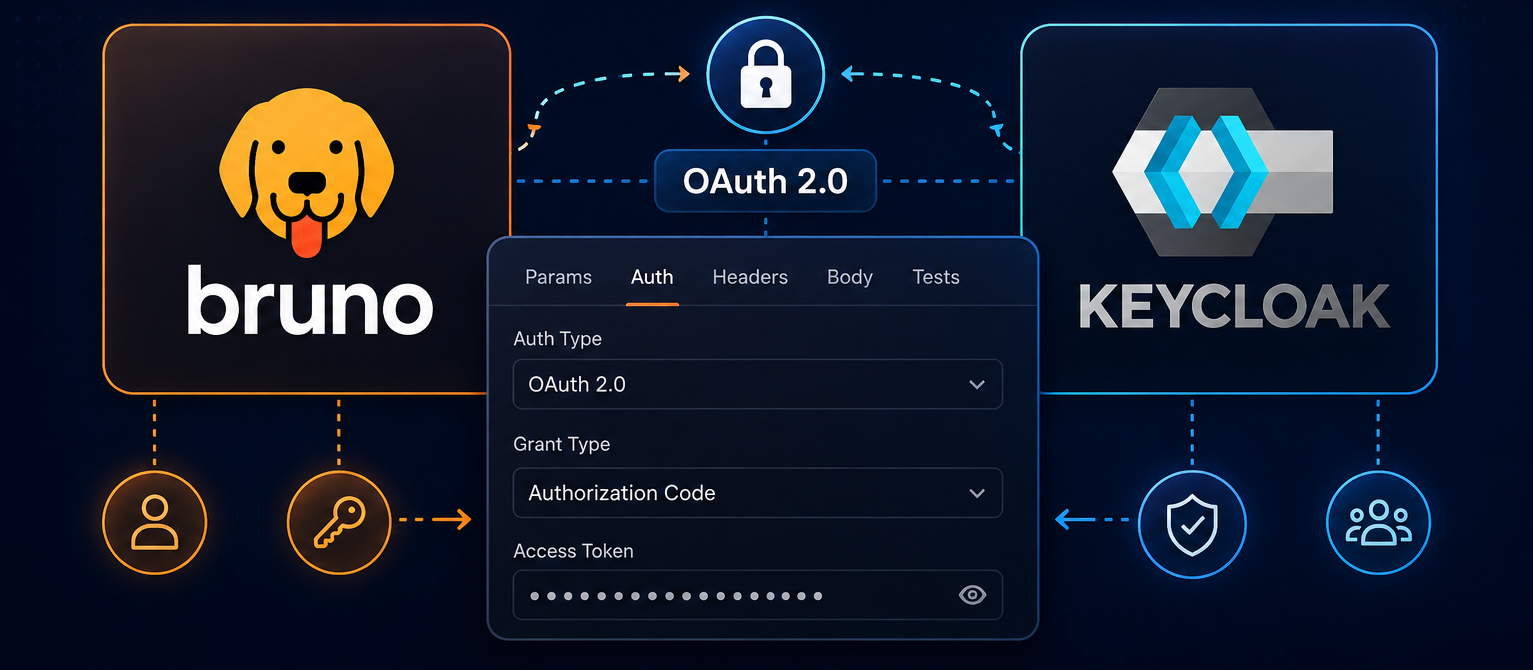
Bruno provides a System Browser option for OAuth 2.0 Authorization Code authentication, allowing you to use your default system browser instead of the embedded Electron browser window. This means saved passwords, 2FA extensions, and corporate SSO flows all work exactly as you'd expect.
Enabling System Browser
Global Configuration (Recommended)
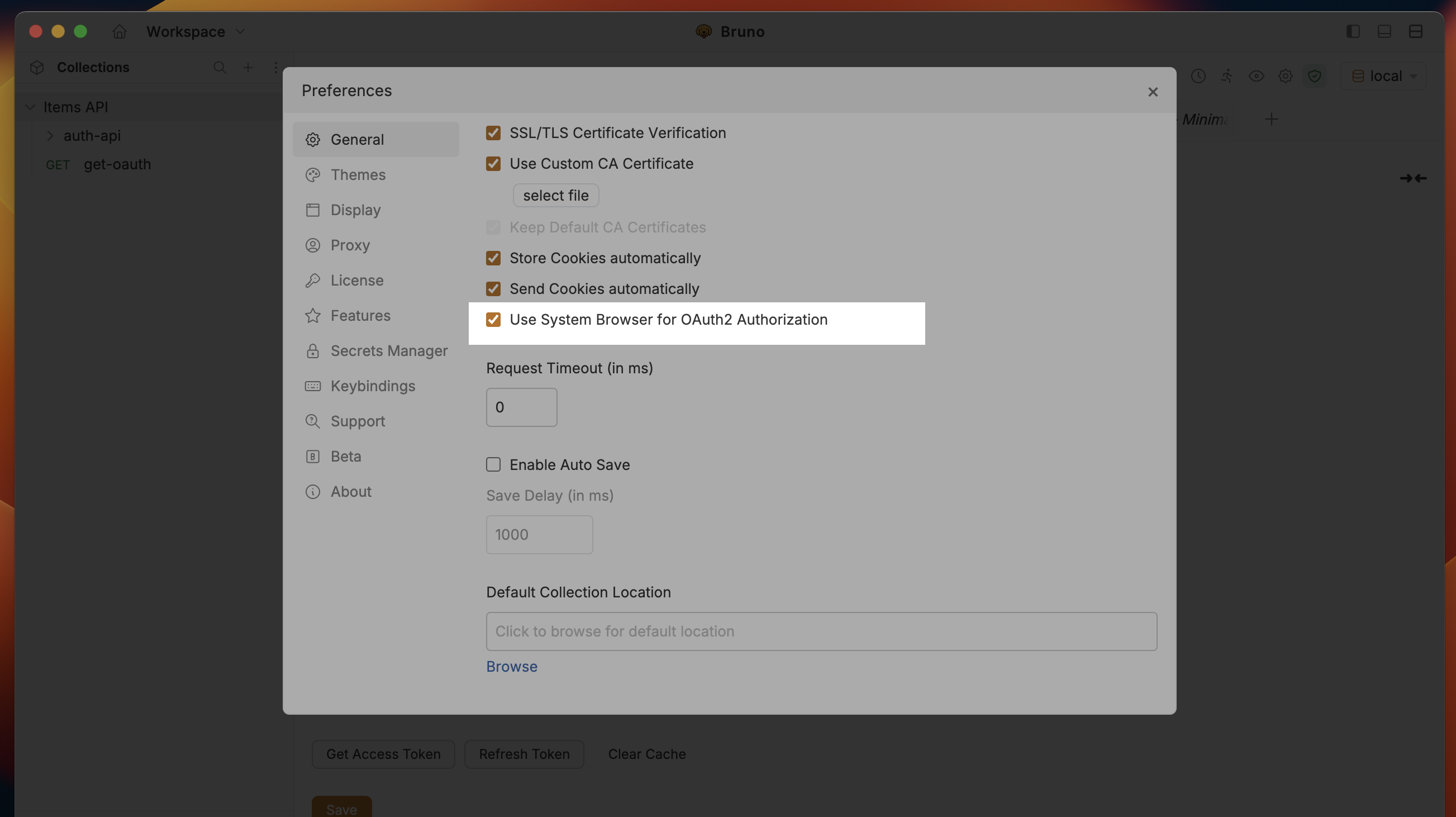
If you want every collection in your workspace to use the system browser for OAuth2, enable it once from Preferences:
- Navigate to Preferences (located at the bottom of the left sidebar).
- Go to the General section.
- Enable Use System Browser for OAuth2.
- This setting applies to all collections by default.
Per-Request Configuration
You can also enable the system browser on individual requests, folders, or collections:
- Navigate to the Auth tab at the request, folder, or collection level and select OAuth 2.0 as the authentication method.
- Under Callback URL, check the Use System Browser for OAuth option.
The inbuilt browser option is selected by default, maintaining existing behaviour for users who prefer the embedded browser.
How It Works
When you select the System Browser option, the OAuth flow proceeds through five steps. The entire round-trip usually takes only a few seconds:
Authorization Request
Bruno builds the authorization URL (including state and PKCE code_challenge) and opens it in your default system browser.
User Authentication
You authenticate in your system browser with the OAuth provider — passwords, 2FA, SSO, and biometrics all work normally.
Callback Redirect
The authorization server redirects the browser to the configured callback URL (local or hosted), which extracts the authorization code and state parameters.
Deep Link Trigger
The callback page redirects to Bruno's custom URI scheme: bruno://app/oauth2/callback?code=…&state=…. The OS brings Bruno to the front and hands over the parameters.
Token Exchange
Bruno validates the state, performs the authorization code + PKCE token exchange directly with the provider, and stores the access & refresh tokens securely on your machine.
Privacy first: All OAuth data stays on your machine. Tokens are never processed or stored by Bruno's servers.
Understanding Callback URLs
The callback URL (also known as the redirect URI) is where the OAuth provider sends the browser after you finish the login and consent screens. It must be:
- Reachable by the browser
- Pre-registered in the provider's Authorised Redirect URIs list
- Under your control (so you can read the
codeandstatequery parameters)
Bruno gives you two out-of-the-box choices:
| Option | Callback URL | Who runs it | Best for |
|---|---|---|---|
| Bruno Hosted | https://oauth.usebruno.com/callback |
Bruno team | Quick tests, zero setup |
| Local Server | http://localhost:3000/oauth/callback |
You (one command) | Offline, private, full control |
| Custom Hosted | https://your-domain.com/oauth/callback |
Your team | Enterprise, custom domains |
Custom Callback Server
You may use your own hosted callback server or self-host one. Bruno will treat any configured callback URL as the OAuth redirect endpoint.
Option 1: Bruno's Hosted Callback Server
If you don't want to run anything locally, Bruno provides a hosted redirect endpoint. The server only forwards query parameters — it never sees or stores your tokens.
- In Bruno, set the Callback URL to
https://oauth.usebruno.com/callback. - Add that same URL to your OAuth provider's allowed redirect URIs.
- Make sure Use System Browser for OAuth is checked.
That's it — click Get Access Token and proceed as usual.
Option 2: Your Own Hosted Server
You can host your own callback server at your domain and point Bruno to it. This keeps the entire flow within your network.
- Host a callback server at your domain.
- Configure Bruno with your hosted callback URL, e.g.
https://your-domain.com/oauth/callback. - Add the same URL to your OAuth provider's allowed redirect URIs.
Option 3: Run a Local Callback Server
If you have Node.js installed, you can start a local callback server in seconds using the @usebruno/oauth2-callback-server npm package. It's a zero-config Express app that listens on port 3000 and forwards OAuth redirects to Bruno via the deep-link mechanism.
Install & Start
# npx downloads and runs the latest version — no install needed
npx @usebruno/oauth2-callback-serverServer running on http://localhost:3000
Callback URL: http://localhost:3000/oauth/callback
Ready to receive OAuth redirects!
(Press Ctrl-C to stop)
Register the Callback with Your Provider
Add http://localhost:3000/oauth/callback to the Authorised Redirect URIs section of your OAuth app. For example:
- Google — Cloud Console → APIs & Services → Credentials → OAuth 2.0 Client → Redirect URIs
- Azure AD — App registrations → Authentication → Redirect URIs
- GitHub — Settings → Developer settings → OAuth Apps → Callback URL
Ensure your OAuth provider allows localhost redirect URLs. Most providers do for development, but some may require explicit approval.
Configure Bruno
- Open the collection → Auth → OAuth 2.0.
- Set Grant Type to Authorization Code.
- Set Callback URL to
http://localhost:3000/oauth/callback. - Check Use System Browser for OAuth.
- Fill in the remaining fields (Authorization URL, Access Token URL, Client ID, Client Secret, Scope).
Obtain a Token
Click Get Access Token. Your default browser opens, you log in, approve the scopes, and the tab closes itself. Bruno stores the access and refresh tokens automatically.
(Optional) Change the Port
If port 3000 is already in use, pass a different port:
npx @usebruno/oauth2-callback-server --port 8080Then update the Callback URL in both Bruno and your OAuth provider to http://localhost:8080/oauth/callback.
About @usebruno/oauth2-callback-server
The @usebruno/oauth2-callback-server package is a lightweight, open-source Node.js server purpose-built for Bruno's OAuth2 system-browser flow.
| Detail | Value |
|---|---|
| npm | @usebruno/oauth2-callback-server |
| Default port | 3000 |
| Callback path | /oauth/callback |
| Custom port | --port <number> |
| Requires | Node.js (npx ships with npm 5.2+) |
What it does:
- Listens for the OAuth provider's redirect on
http://localhost:<port>/oauth/callback. - Extracts the
codeandstatequery parameters. - Immediately redirects the browser to
bruno://app/oauth2/callback?code=…&state=…, handing the authorization code to Bruno via deep link.
No tokens are stored, logged, or transmitted by the server — everything stays local.
Conclusion
System-browser OAuth2 removes the biggest pain points of embedded-login flows while keeping setup trivial:
- One command (
npx @usebruno/oauth2-callback-server) gives you a fully local callback server, or pastehttps://oauth.usebruno.com/callbackfor zero setup. - A single checkbox in Bruno routes every OAuth2 Authorization Code flow through Chrome, Safari, Firefox, or Edge — so saved passwords, 2FA extensions, and corporate SSO pages work exactly as users expect.
- Deep-link hand-off plus state and PKCE validation keeps the process secure; tokens never leave your machine.
Whether you're testing APIs against Google, Azure AD, Okta, GitHub, or a private IdP, enabling the system browser is the fastest way to reliable, frustration-free OAuth2 in Bruno.